
Give the question a starting point
A technical question can depend on the constraints, the code you are looking at, and the decisions you made. Margin can bring spoken questions, screenshots and your own context into the same discussion.
Use personal context to explain your experience. When a question is about a project, select the relevant project context rather than relying on a generic answer.
Connect your own AI provider or supported CLI. The available route and project features depend on that setup; the app shows the active route.
Explain the reasoning behind the code
Start with the problem and its constraints. Use Margin to discuss an approach, ask why it fits, and examine the edge cases. Check the suggestion before using it.
Example question: what are the trade-offs of adding a cache?
- Start with the repeated work and the read-latency problem.
- Discuss stale data, invalidation and memory overhead.
- Explain what should happen when the cache is unavailable.
This is an example outline for practice, not a live answer from the app or a guarantee of interview results.
Talk about the project you know
Choose the project folder when your selected setup supports project context. Ask a focused question about the code or architecture, then check that the answer refers to the right part of the project.
- Explain the requirement or decision you want to discuss.
- Bring the relevant project context and describe your own contribution.
- Check the suggested explanation against the actual implementation.
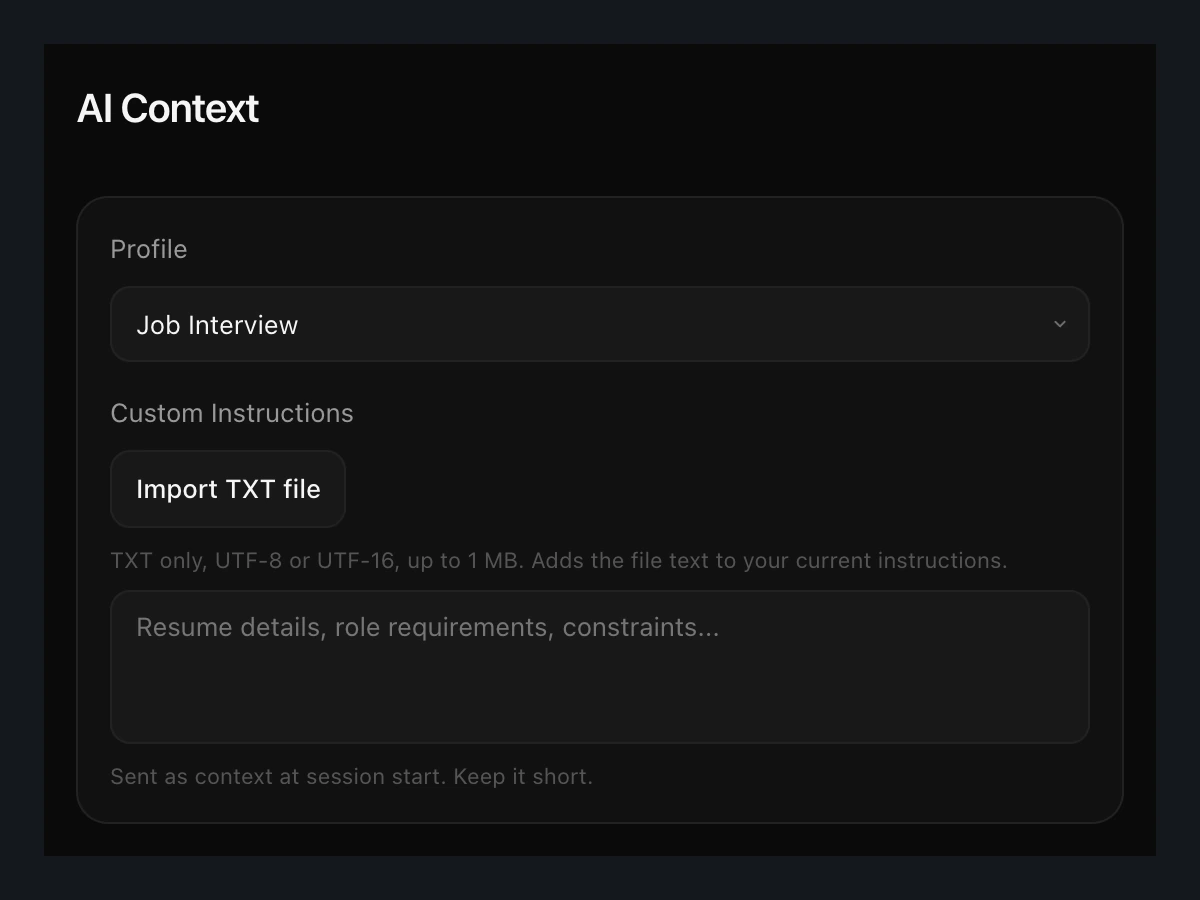
Only use files and context you are allowed to share with your selected provider. Keep credentials and unrelated private material out of the question.
Give a visual question its context
When the question is on your screen, attach the screenshot you want to discuss. Add a short explanation of what matters: a function, an error, a diagram or a constraint that is easy to miss.
A screenshot adds visual context. It does not replace checking the code, the assumptions or the result.
Keep your own reasoning in the answer
Use the suggestion as a starting point. Check the assumptions, explain the trade-offs and connect the answer to what you have actually built.
Margin also supports questions across other professions. The developer tools add code, screenshot and project-context workflows to the same interview companion.
Start with your next question.
Download the free beta for your Apple Silicon Mac. Connect your own AI provider or supported CLI when you are ready.
Download Margin for Mac